
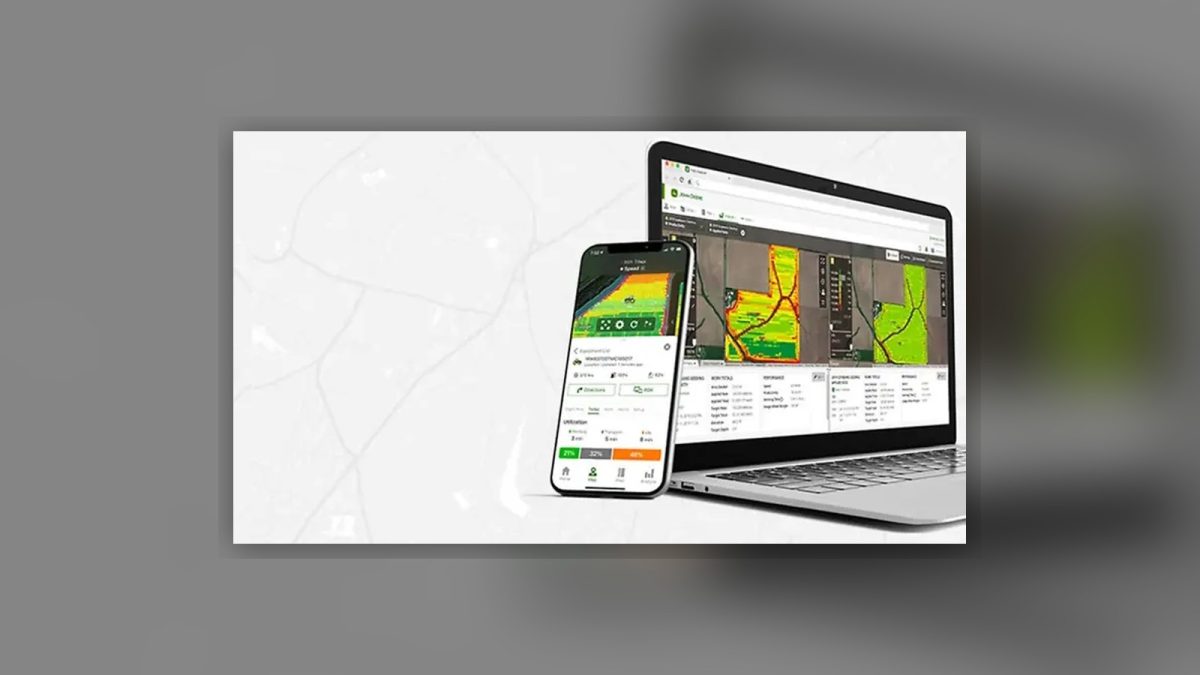
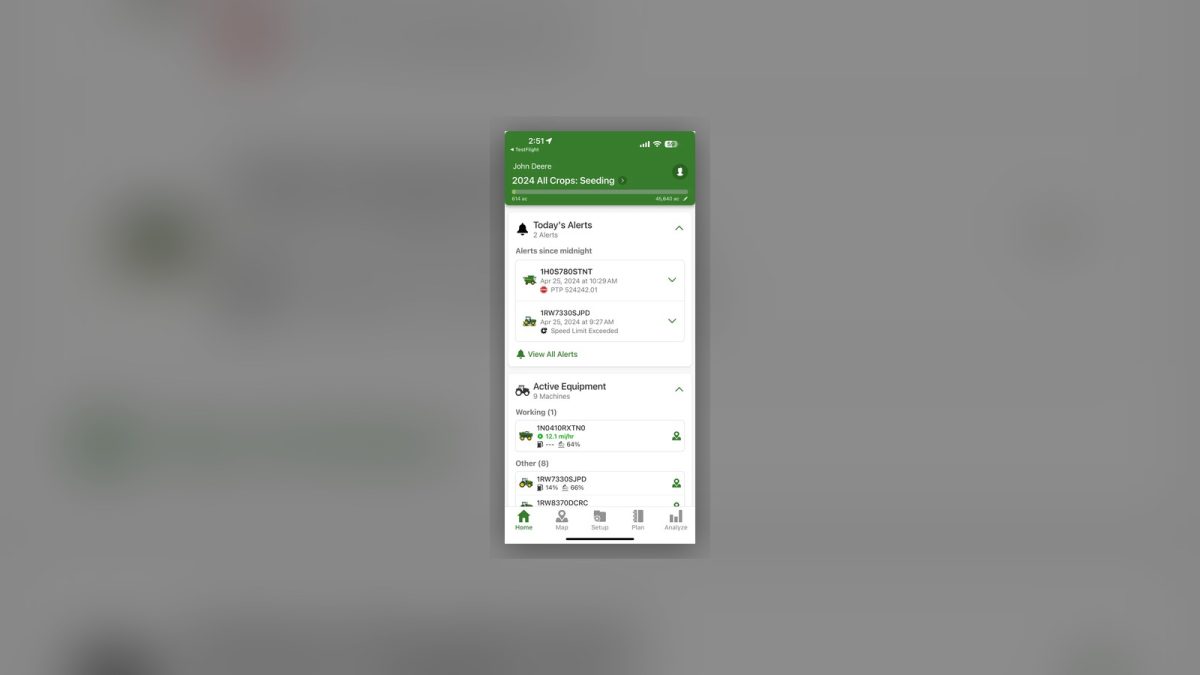
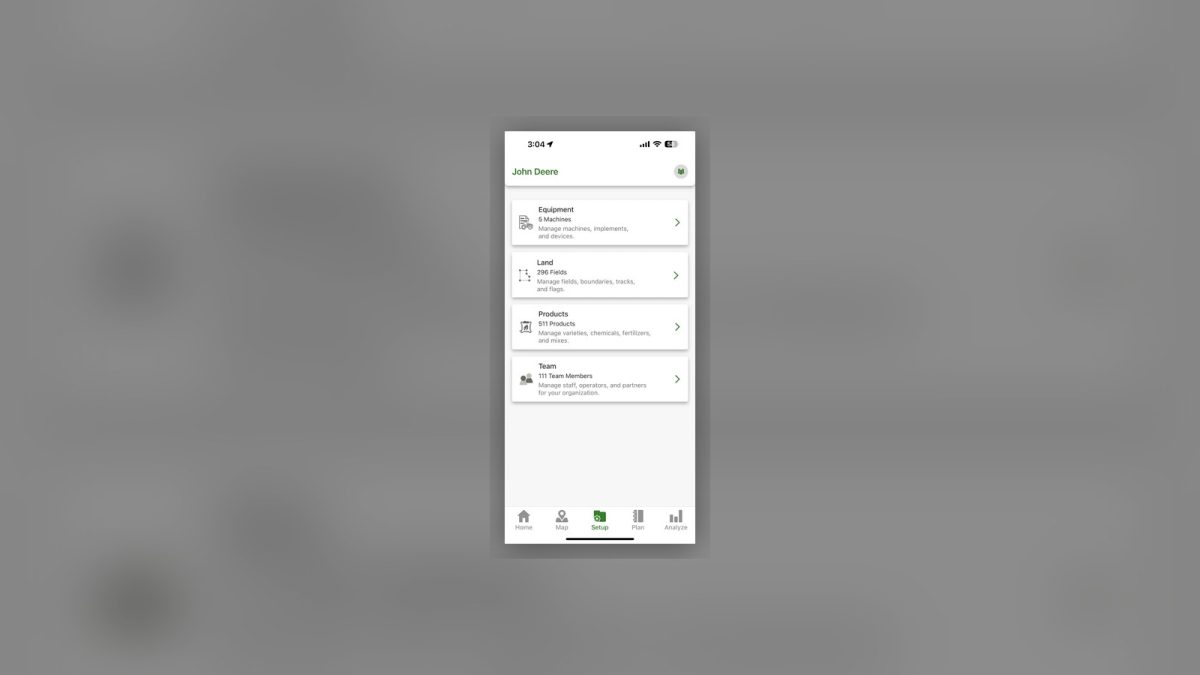
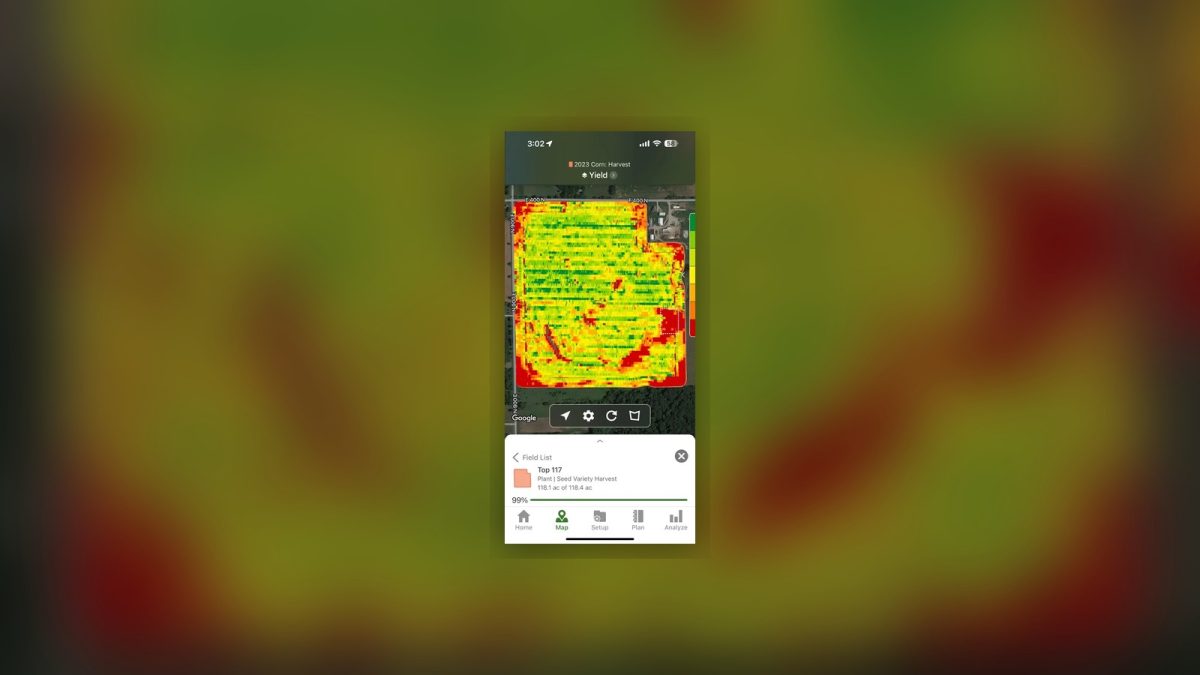
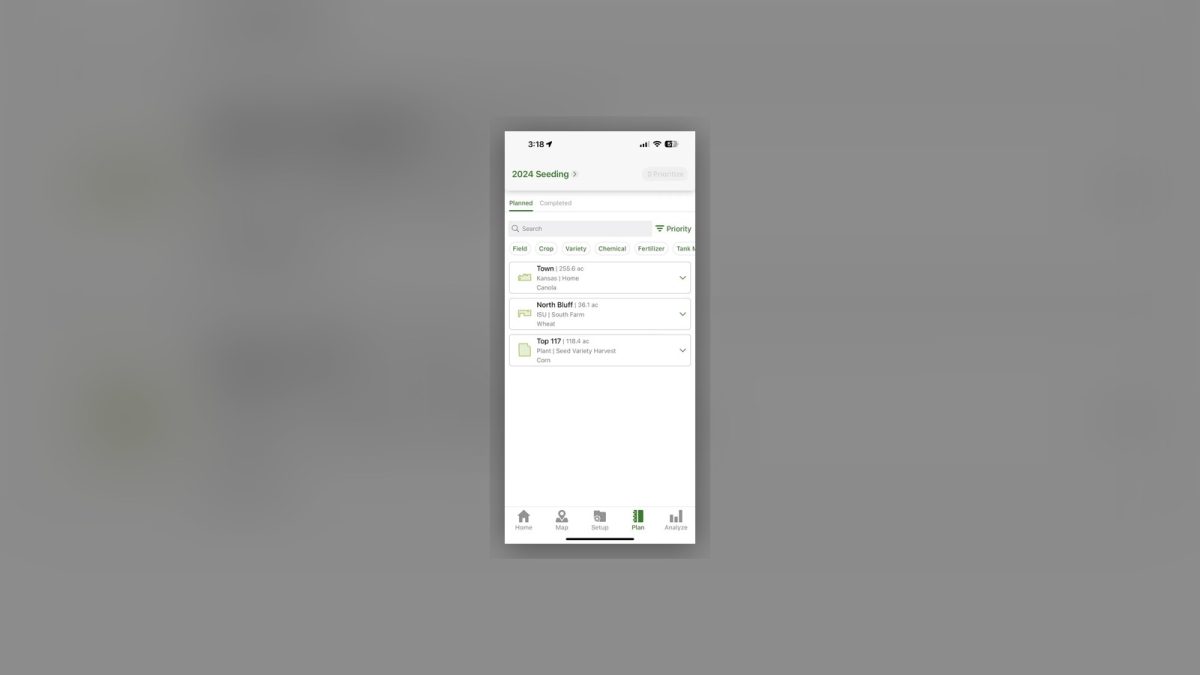
John Deere Operations Center is a cloud-based dashboard that pulls together all the data from a Deere-equipped farm. Through a web browser or the mobile app you can see, in real time, where every machine is, how much of a field is still being planted or harvested, and the yield and moisture data collected on each pass.
Why it matters for farmers
Real-time visibility into planting, harvesting, and moisture data lets you make informed decisions that improve farm efficiency.
Overview
The base account is free. It gives you field mapping, boundary and guidance-line management, syncing with in-cab displays, and data sharing with your dealer or agronomist. All machine and agronomic data flow automatically via JD Link when your equipment has a compatible modem. Some advanced features, including premium analytics and third-party integrations, require separate licenses, and JD Link needs a modem if your machine doesn’t already have one. If you run a mixed-brand fleet, you may want to compare this solution with alternatives such as Climate FieldView.
Core capabilities
| Capability | Benefit |
|---|---|
| Field mapping & boundaries | Create, edit, and visualise field polygons directly in the dashboard. |
| Machine tracking | See the real-time GPS location of every JD-equipped tractor or combine. |
| Planting & harvest monitoring | Track how much of a field is planted or harvested, and view yield/moisture maps. |
| Data integration | JD Link streams data automatically from compatible equipment; manual imports are also supported. |
| Collaboration | Share field maps and performance reports with dealers or agronomists via secure links. |
Getting started
- Create a free JD Operations Center account. Sign up on the JD website and connect your equipment through JD Link.
- Add your fields. Use the “Field Manager” tool to draw or import field boundaries.
- Sync machines. Enable JD Link on each machine (or install a compatible modem).
- Explore the dashboard. Start with the “Overview” page to see live machine locations, then open the “Planting” and “Harvest” tabs for detailed metrics.
For a comparative view, see our Climate FieldView analysis.
Pricing (as of 2026-09-13)
- Base account: free.
- Advanced analytics and third-party integrations: subscription-based, separate licensing fees.
Ready to get started?
- Create a free JD Operations Center account.
- Add your fields.
- Sync your machines.
- Start now and see your farm data in real time.
Features
FAQ
Is it free to use?
The base account is free to create and use, covering field mapping, boundary and guidance line management, and data sharing with your dealer or agronomist.
Does it work with non-Deere equipment?
It is built for Deere-equipped farms. If your fleet is mixed brands, a platform like Climate FieldView is worth weighing alongside it.
How does machine data get in?
Machine and agronomic data flows in automatically over JDLink when your equipment has a compatible modem.

Leave a Reply