
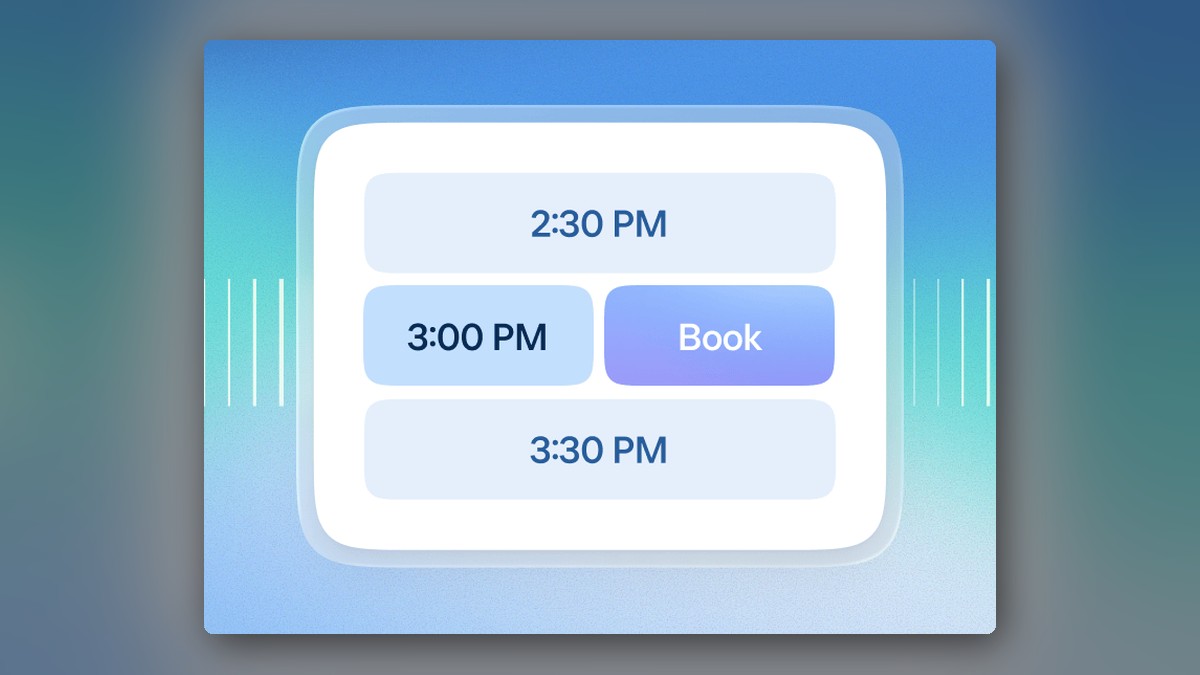
Calendly is a scheduling platform that removes the email back-and-forth from booking meetings. You share a booking link, invitees pick a time from your availability, and Calendly checks your connected calendars for conflicts before anyone commits. Calendly also ships Callie, a beta AI assistant that schedules over email, and Notetaker, which turns calls into recaps with action items. HereBro lists it under AI Interview Scheduling.
What is Calendly and who is it for?
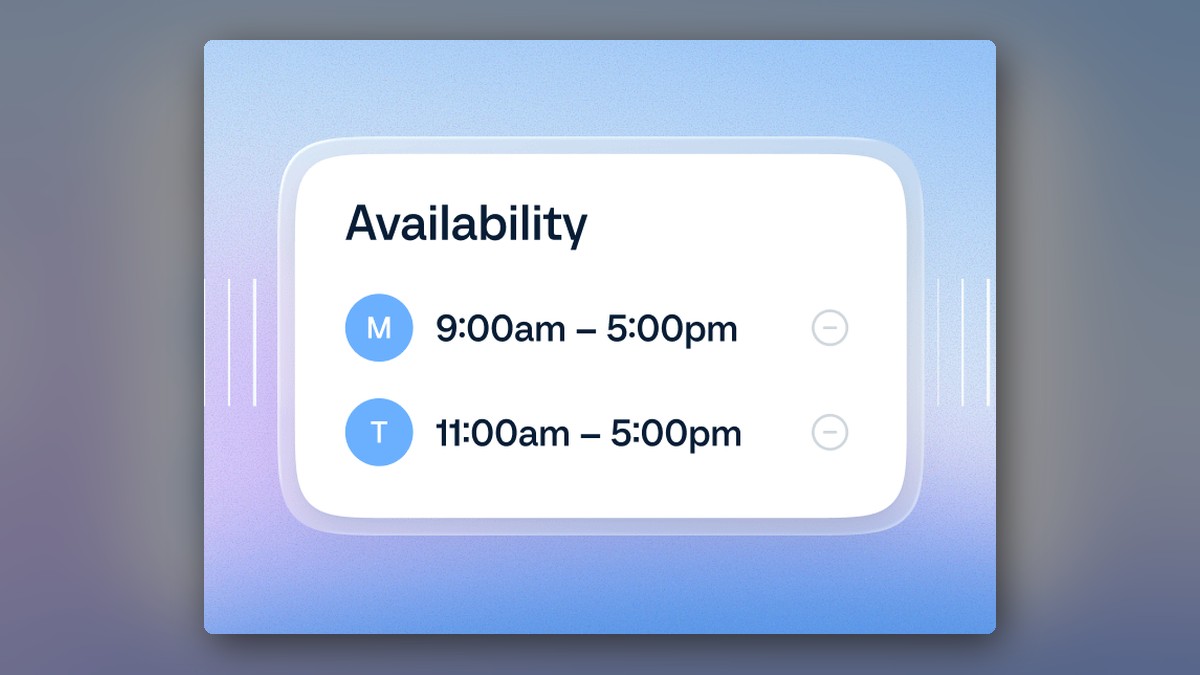
Calendly began as a meeting scheduler and now covers the work around meetings: the core scheduling product, Callie and Notetaker on the AI side, plus contacts and payment tools. The core flow: connect your calendar, set your hours, and share a link. Invitees see only the slots you are free for, so nobody has to suggest times back and forth over email. The vendor says more than 20 million professionals use it and positions it for sales, marketing, customer success, and recruiting teams. HereBro tracks tools like this across its AI tools directory.
How does the scheduling link work?
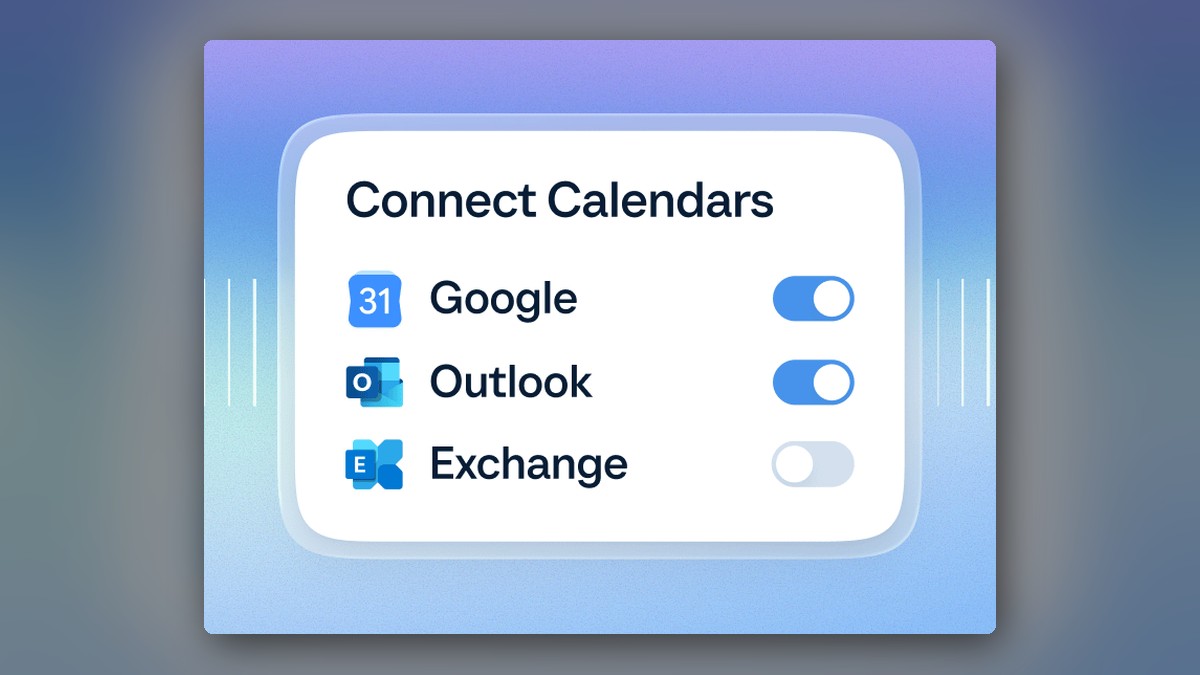
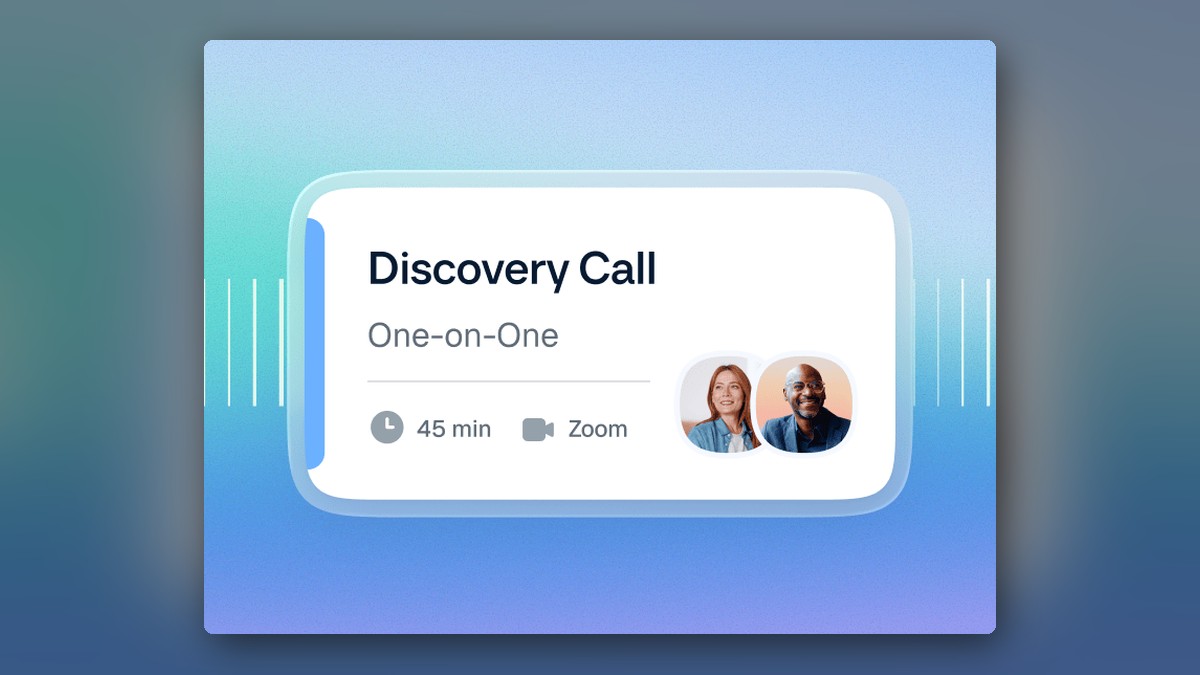
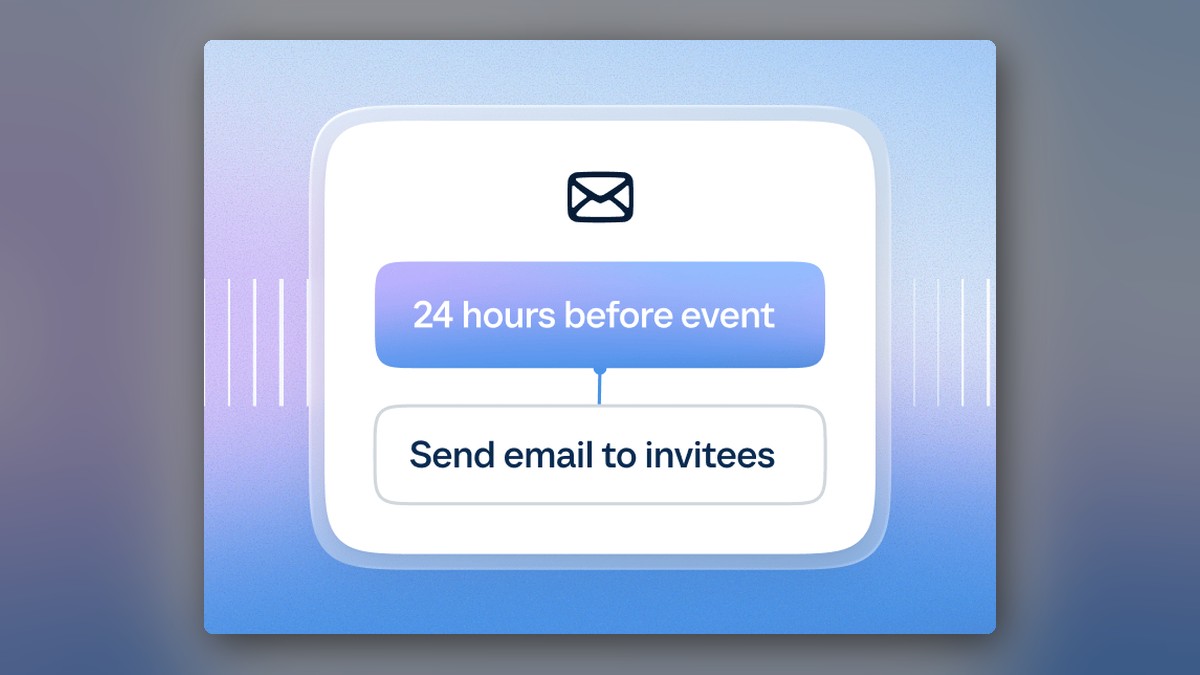
You connect Google, Outlook, or Office 365 calendars, set your availability rules, and create event types such as a 30-minute one-on-one or a 45-minute discovery call. Calendly checks for conflicts before someone books time and adds video conferencing details from Zoom, Google Meet, or Microsoft Teams. Automated email and text reminders reduce no-shows, and invitees can reschedule when needed without the back-and-forth. You can also embed the booking page on your website, and the Teams plan adds routing forms that qualify leads and send them to the right teammate.
What are Callie and Notetaker?
They are the two AI products Calendly began rolling out on August 19, 2026. Callie is a beta AI assistant for scheduling over email: you add [email protected] to an email thread, say what you need, and it replies with a shortlist of times, then books the meeting once a time is decided. It checks with you before anything changes, and an Ask Callie chat inside Calendly answers quick questions about your schedule. Notetaker joins Zoom, Google Meet, and Microsoft Teams calls, including meetings not scheduled through Calendly. It notifies attendees before it records and delivers a recap with a summary, key points, action items, and a pre-drafted follow-up email.
Both are gated by plan, and the gating is worth reading carefully: Calendly’s own pricing page marks Notetaker as not included on the Standard and Teams plan cards, and the help center says both features are available on the Standard Plus and Teams Plus plans for English-language users. After a 14-day trial, select users on Free, Standard, or Teams plans receive 5 free Notetaker recaps; the Plus plans include unlimited monthly recaps. Notetaker records for a maximum of 2 hours per meeting.
How much does Calendly cost?
- Free: one event type and one calendar connection, plus a customizable booking page and the browser extension.
- Standard: $10 per seat per month billed annually. Unlimited event types, multiple calendars, automations and reminders, and Stripe or PayPal payments.
- Teams: $16 per seat per month billed annually. Round-robin and team scheduling, lead qualification and routing, centrally managed event types, and an optional SSO add-on.
- Enterprise: starts at $15k per year with a 50-seat minimum. SAML SSO, domain control, audit log compliance, and dedicated support and onboarding.
Seats are required for the users who connect calendars and host meetings; meeting invitees do not require a seat or an account. If you are weighing tools before you commit, HereBro’s guide to comparing AI tools by industry covers the checks to run before you pick one.
Does Calendly work with your other tools?
Yes. Calendly advertises 150+ integrations, and the plans connect to Google and Microsoft calendars and video tools, CRM and marketing platforms such as HubSpot, Salesforce, Marketo, and Pardot, and automations through Zapier. You can also reach it from the mobile app or browser extension. For deeper work, the vendor publishes a REST API that can book meetings and read and write Scheduling, Contacts, and Notetaker data, webhooks that fire on meeting events, an official MCP server for AI apps, and embeds for your own site. Payments run on Stripe and PayPal from the Standard plan up, so you can collect deposits, sell packages, or send invoices.
Is Calendly good for recruiting?
Recruiting is one of the vendor’s named audiences. In practice: candidates book slots from a link, round-robin scheduling on the Teams plan spreads interviews across the team, and Notetaker delivers the summary and action items after the call so interviewers can stay focused on the conversation. For the fundamentals of a structured hiring process, HereBro’s skills based hiring guide covers what to standardize before the interview stage.
Frequently asked questions
Is there a free plan?
Yes, a Free plan is always free and covers one event type and one calendar connection.
How much do paid plans cost?
Standard is $10 per seat per month billed annually, and Teams runs $16 per seat per month. Enterprise starts around $15k per year.
What are the AI features?
Notetaker joins calls and produces summaries with decisions and action items, and Callie is an AI assistant that coordinates times and books meetings from an email thread.
Do all plans include Notetaker and Callie?
No. Calendly’s pricing page marks Notetaker as not included on the Standard and Teams plan cards, and both features are available on the Standard Plus and Teams Plus plans for English-language users. Select users on the Free, Standard, or Teams plans get 5 free recaps after a 14-day trial.
Do meeting invitees need a Calendly account?
No. Seats are required for the users who connect calendars and host meetings; invitees do not require a seat or an account.
Does Calendly check my calendar for conflicts?
Yes. It syncs your calendars and checks for conflicts before someone books time.

Leave a Reply